

Do you love South African football? Do you want to play with Kaizer Chiefs, Orlando Pirates, and Mamelodi Sundowns on your phone with the latest 2025/26 kits and transfers? Then the PES PPSSPP 2026 Betway Premiership by Snethemba Mtshizana is the game you have been waiting for. This is not just another football mod. It brings the whole Betway Premiership vibe straight to your Android phone, and it runs through the PPSSPP emulator.
So today, I will take you through everything. What this game is, what is inside it, how to play it from the moment you launch it, and how to actually win matches with real passing tips. So let’s get started.
Quick Game Info
| Detail | Info |
|---|---|
| Game Name | PES 2026 PPSSPP Betway Premiership |
| Mod Creator | Snethemba Mtshizana |
| Base Game | Pro Evolution Soccer (PES) 2026 PSP version |
| Platform | Android (via PPSSPP emulator) |
| Genre | Sports / Football |
| Game Size | |
| Internet | Fully offline after setup |
| Leagues Featured | Betway Premiership (South Africa) + top European leagues |
| Game Modes | Exhibition, League, Cup, Master League, Become a Legend, Training |
| Controls | On-screen touch buttons (customizable in PPSSPP) |
GAMEPLAY
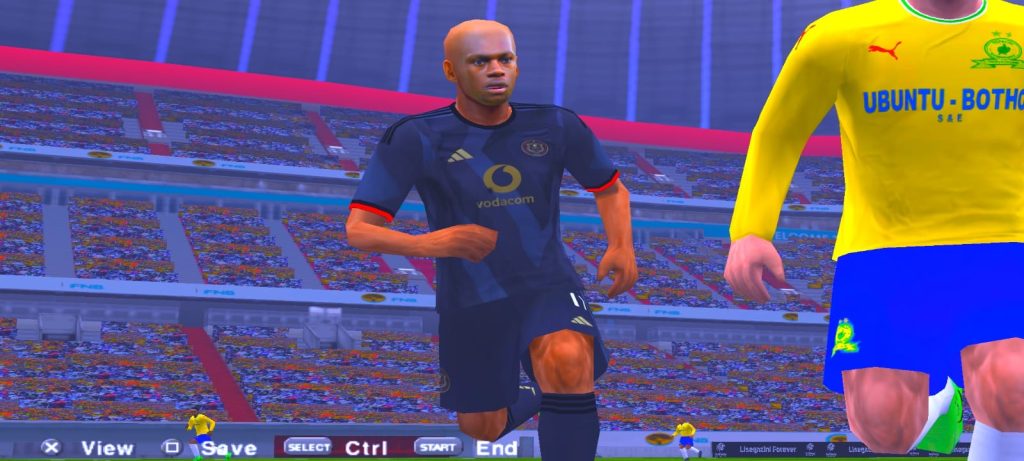
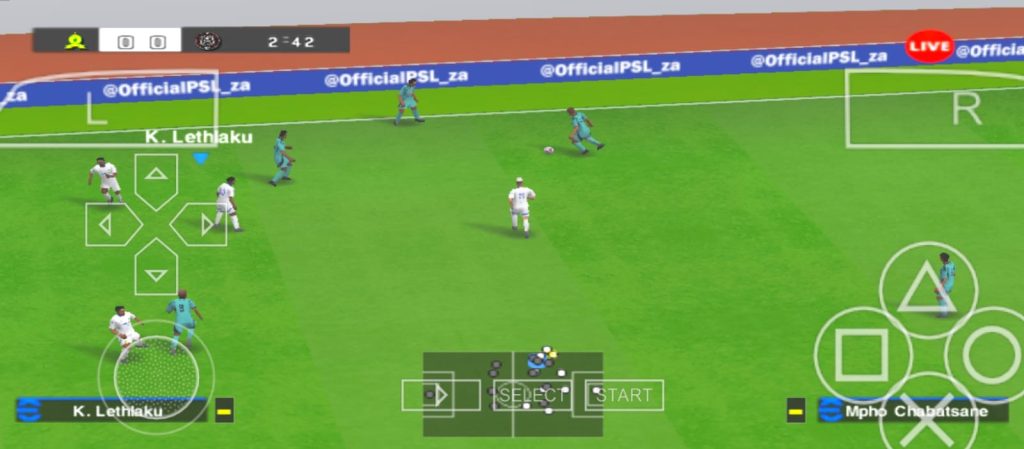
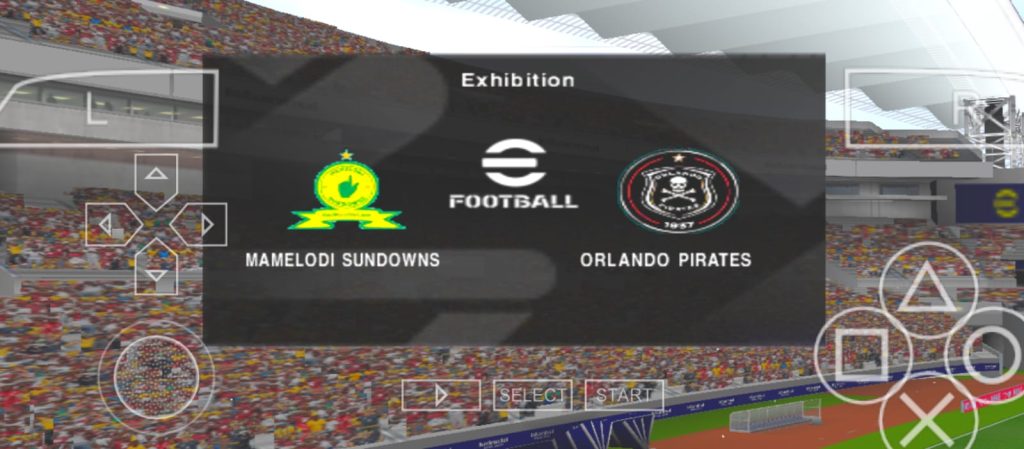

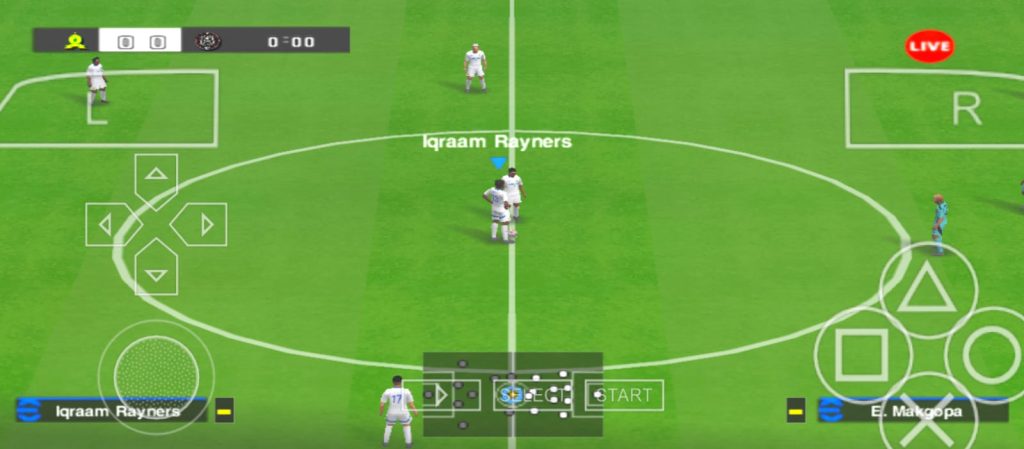

Key Features Breakdown
So what makes this version special? Let me break it down for you.
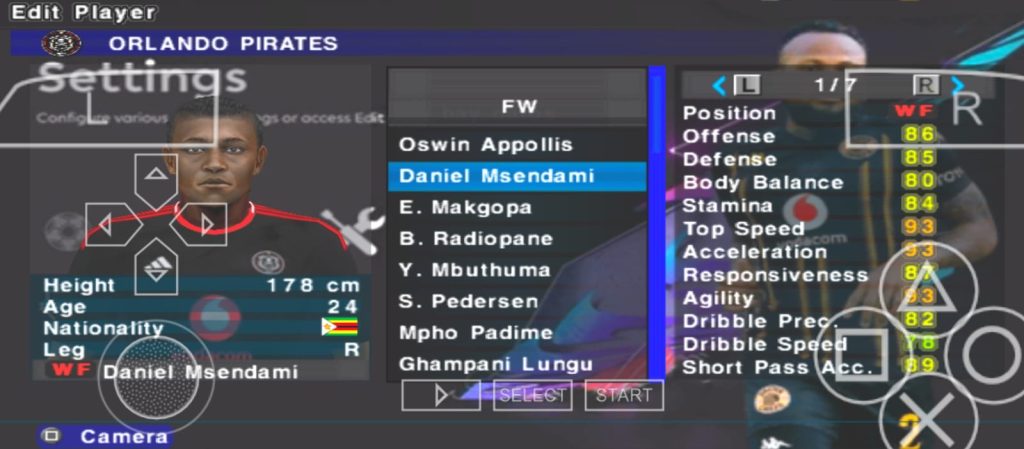
Updated kits for 2025/26. Every team has fresh jerseys with correct colors, sponsors, and badges. When you pick Orlando Pirates, it actually looks like Orlando Pirates. Same for Chiefs and Sundowns.
Real transfers. The squads match the real 2025/26 season. Players are at their correct clubs with correct positions. No more playing with last season’s lineup.
Betway Premiership teams. This is the big one. The whole South African league is in the game. You can run a full season with your favorite local club, which most big football games never give you.
Fully offline. Once the game is on your phone, you never need data again. Play on the bus, at school break, anywhere.
Runs on budget phones. The ISO is compressed and light. It runs smooth on mid-range and even low-end Android phones without lag or overheating.
Custom controls. Through the PPSSPP emulator, you can move buttons, resize them, and change the camera angle to fit your hands and your screen.
How to Play: From Launch to Kickoff
Now I will walk you through the game step by step, just like I am sitting next to you.
Step 1: Launch the game. Open your PPSSPP app. You will see your games list. Tap on PES 2026. The intro videos will start playing. Do not sit through them every time. Just tap the screen to skip, or hold the skip option to jump straight to the menu.
Step 2: The main menu. After the intro, press Start. Now you are on the main menu. Here is what each option means:
- Exhibition Match — pick two teams and play one quick game. Start here if you are new.
- League — this is where the Betway Premiership season lives. Pick a South African club and play a full season of matches.
- Cup — knockout tournaments.
- Master League — manage a club for many seasons. Buy players, sell players, fight for the title.
- Become a Legend — control one player only and grow his career.
- Training — practice free kicks, penalties, and moves without pressure. Visit this first.
- Edit — change team names, kits, and player looks.
- Game Plan — set formations, tactics, and starting lineups. Very important, more on this below.
- Options — change difficulty, match time, and sound.
- Save / Load — always save after you play. Do not skip this.
Step 3: What to click and what to skip. If you just want to play now, click Exhibition Match. If you want the full South African experience, click League and choose the Betway Premiership. Do not click Edit or Game Plan yet. Those are for later when you understand the game.
Step 4: Pick your team. A team list will open. Use the D-pad or left stick to scroll. Press X to select your club, then pick the opponent. You can also change the stadium, time of day, and weather here.
Step 5: Kickoff settings. Before the match starts, you can set the match time. I recommend 10 minutes per half at first. Shorter matches help you learn faster.
Step 6: Kickoff! The whistle blows and you have the ball. Now let’s talk about the buttons.
Controls on PPSSPP
The controls look like a PSP controller on your screen. Here is what every button does:
| Button | When Attacking | When Defending |
|---|---|---|
| D-pad / Left stick | Move your player | Move your player |
| X | Short pass | Switch to nearest defender |
| Triangle | Through ball | Goalkeeper rush |
| Circle | Long pass / cross | Sliding tackle (be careful, can give fouls) |
| Square | Shoot | Pressure the ball carrier |
| R (shoulder) | Sprint | Sprint |
| L + direction | Skill moves | Cursor change |
| R + X | One-two pass | — |
| Select | Change tactics | Change tactics |
| Start | Pause menu | Pause menu |
My advice: make the buttons bigger in PPSSPP settings if your fingers are big. Go to Settings, then Controls, then Layout. Drag the buttons wherever your thumbs naturally rest.
Texture and save data | game here
Conclusion
So that is everything about PES PPSSPP 2026 Betway Premiership by Snethemba Mtshizana on Android. It is light, it is offline, it has the full South African league, updated kits, real transfers, and smooth controls. Follow the how-to-play steps, learn the buttons, practice the 12 passing tips, and you will be winning matches in no time.
If you found this guide helpful, share it with your friends who love football games, and keep practicing. The more you play, the better your passing gets. See you on the pitch!
I love this game
Password for an actract
No password.
I want to download the file of PSP 2027 Betway
Thank you for your interest in the latest 2027 game. You can check the site for latest game or you make search.
Thank you for your attention on this matter
Then how do we download it I even sleep at 2Am trying to get the files
I have updated the site. Thank you for your attention to that.
I’m very interested where to download this game
Check below. There is link now.
That is the link.
I want a file that look like players are real
Did you get the files