

Do you want the newest Snethemba Mtshizana PES 2027 PPSSPP with updated 2026/2027 transfers and full Betway Premiership squads? This guide covers the key features, step-by-step installation on Android via PPSSPP so you can start playing offline right away.
Quick answer: The Snethemba Mtshizana PES 2027 PPSSPP mod is a community-built update of the PSP version of Pro Evolution Soccer, created by South African modder Snethemba Mtshizana. It ships with the latest transfers, new season kits, real player faces, PS5 camera view, and full offline play on the PPSSPP emulator — all in a file light enough for budget Android phones.
What Is the Snethemba Mtshizana PES 2027 PPSSPP Mod?
The Snethemba Mtshizana PES 2027 PPSSPP edition is a community modification of Pro Evolution Soccer built for the PPSSPP emulator — the free app that runs PSP games on Android, iOS, and PC.
Snethemba Mtshizana himself is a South African mod creator known for the Mzansi Patch series: texture and savedata updates that keep the classic PSP PES engine current with new seasons. His builds are especially popular with Mzansi gamers because they combine current-season data with South African football flavour — and they run on phones that would never handle a modern console port.
One thing we always say upfront at Mzansi PES: this is not an official Konami release. It’s a fan project built on the PSP version of PES. That’s exactly why it performs so well. The PSP engine is light by modern standards, so when a skilled modder layers on new kits, transfers, commentary, and faces, you get a current football season running smoothly offline on hardware you already own.
Players gravitate to this version for four reasons:
- Fully offline — no data needed after installation
- Small file size — a fraction of eFootball mobile
- 2026/27 season content — transfers, kits, and squads kept current
- Budget-friendly performance — comfortable on 2GB–3GB RAM phones
If you want to see how this style of modding compares across seasons, check our detailed review of the eFootball PES 26 PPSSPP PSL Gaming Android Mzansi Edition — it covers the same Mzansi philosophy one season earlier.
Gameplay
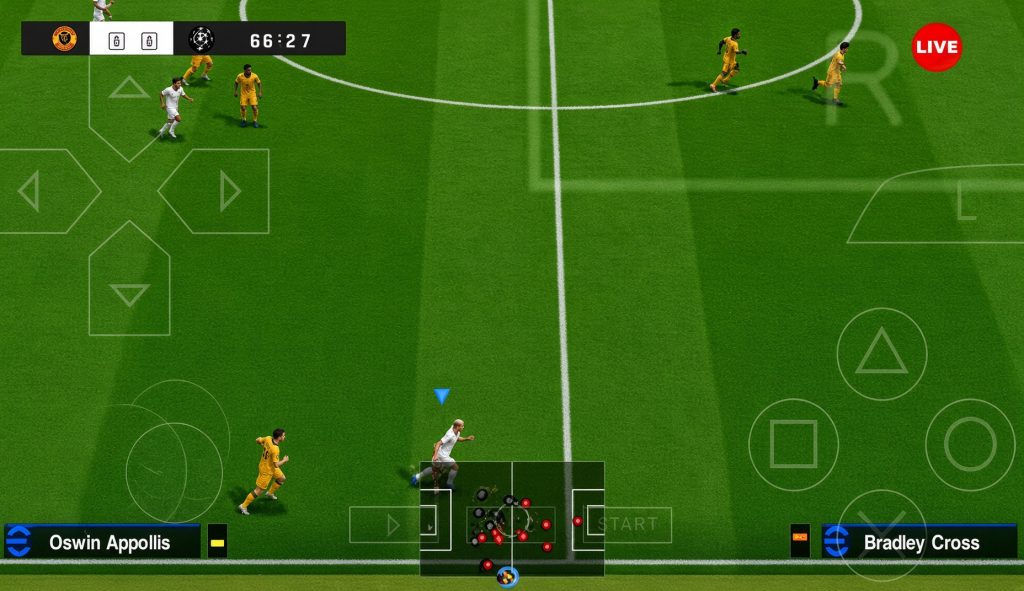
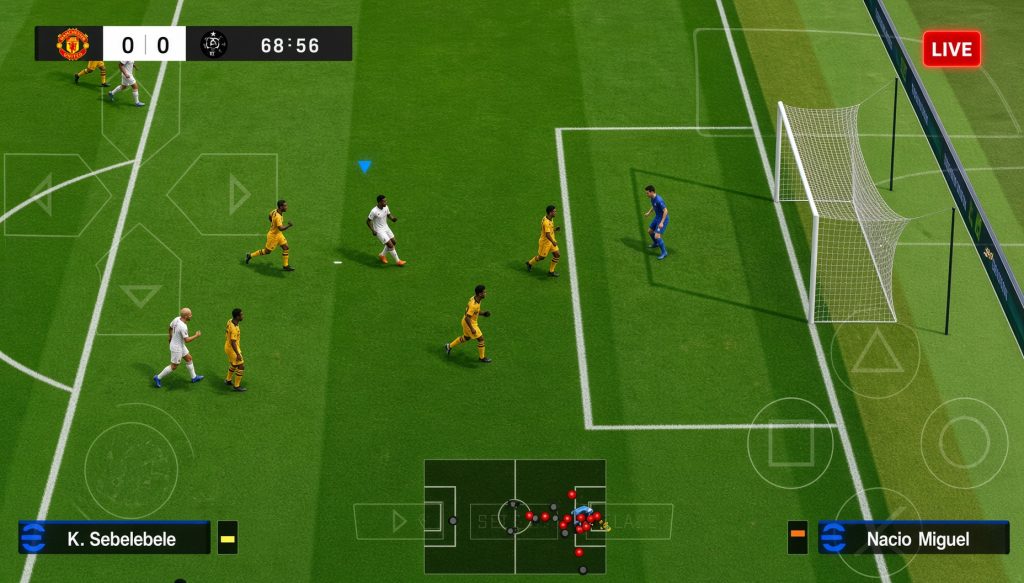
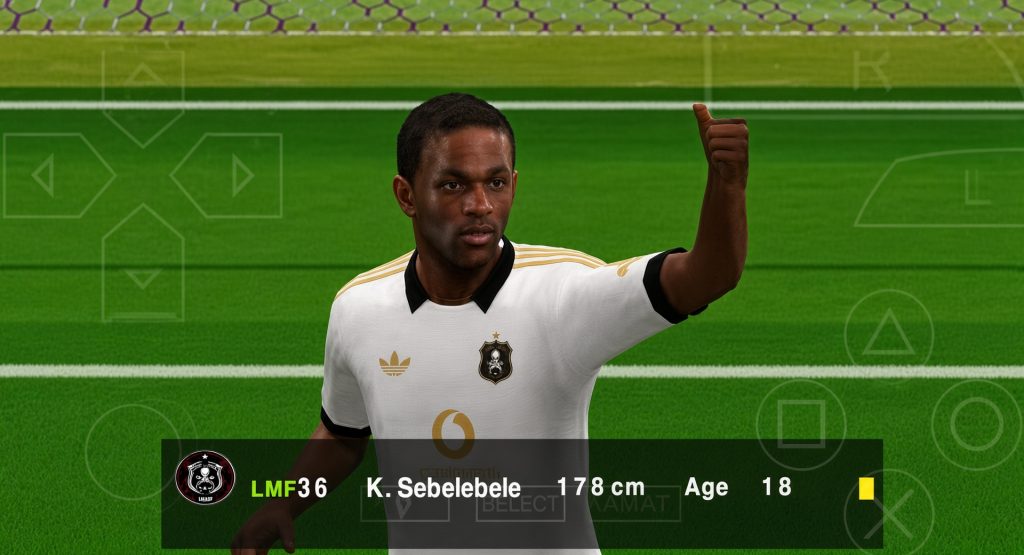
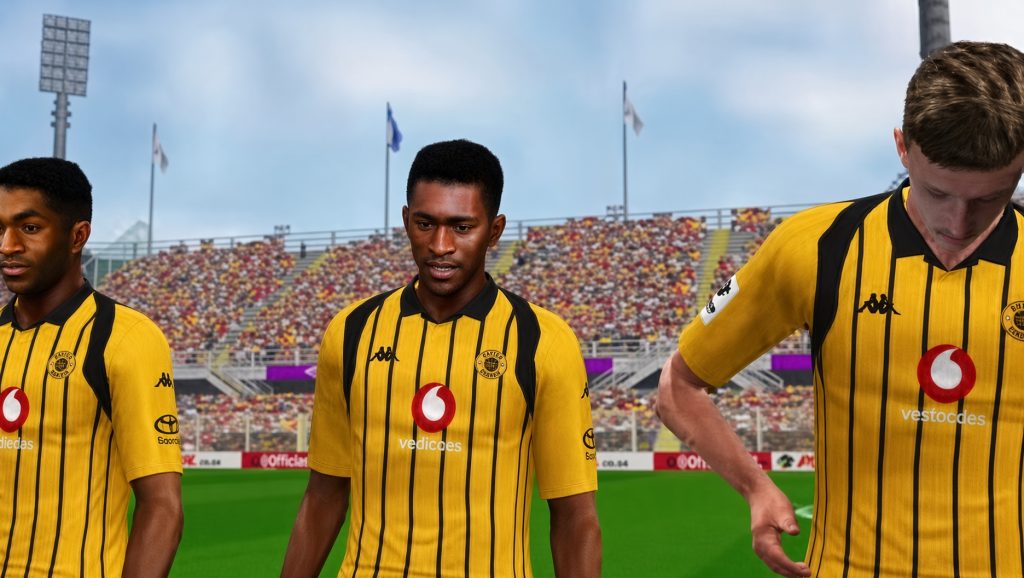
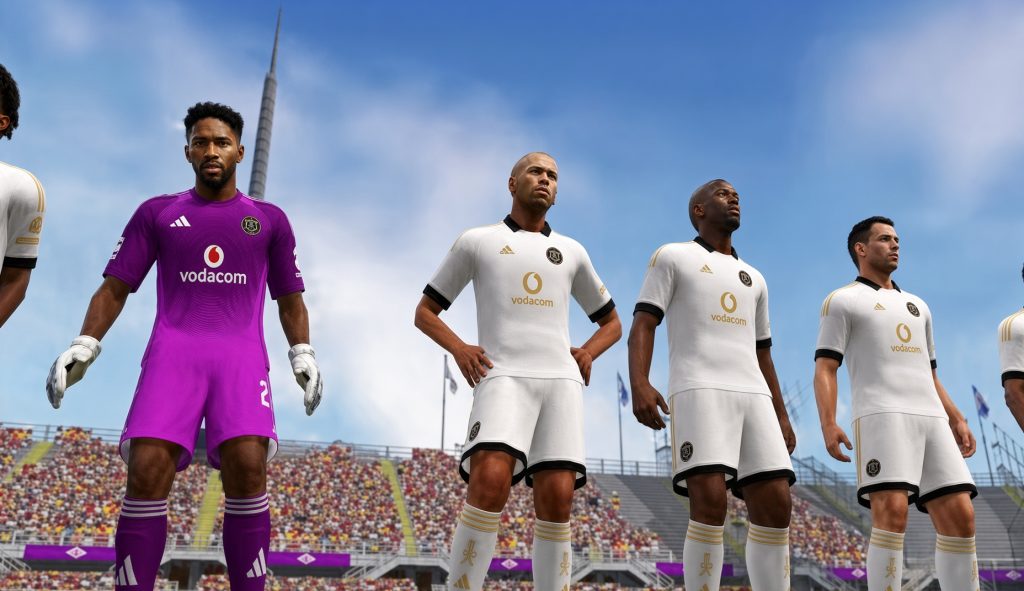
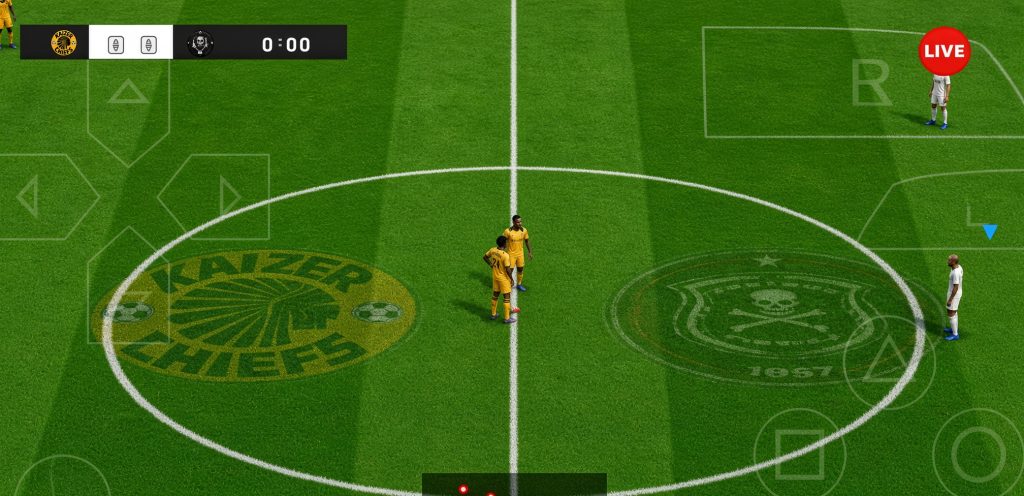
What’s Inside: PES 2027 PPSSPP Features
Exact content shifts slightly as the creator releases updates during the season, but the Snethemba Mtshizana build typically ships with:
- Updated 2026/27 transfers — squads refreshed after the recent transfer windows
- New season kits — home, away, and goalkeeper designs for clubs and national teams
- Real player faces — high-quality face textures for star players
- PS5 camera angle — a broadcast-style view that makes matches look far more realistic
- Peter Drury commentary — the fan-favourite English commentary included by default
- HD stadiums and crowds — sharper pitch, crowd, and lighting textures
- Fresh minikits and scoreboards — updated UI elements to match the season
- Full offline mode set — Exhibition, League, Master League, and Cup competitions
Want local flavour in the audio too? The mod supports South African commentary patches, and we have a full walkthrough on how to install South African commentary in PES PPSSPP if you want to swap it in.
Device Requirements: Will It Run on Your Phone?
This is the number one question under posts like this, so here is the honest answer based on our testing of similar Mzansi builds.
| Item | Requirement |
|---|---|
| Compressed download size | |
| Extracted size | [~1.5 – 2 GB] |
| Android version | Android 9.0 or newer |
| RAM | 2GB minimum · 3GB comfortable · 4GB recommended |
| Free storage | [2 GB] before extracting |
| Emulator | PPSSPP (latest version from the official site or Play Store) |
| Internet | Only for the initial download — gameplay is fully offline |
Honest note: On a 1GB RAM phone, this mod will stutter no matter how you configure it. If that’s your device, our PES 26 Mzansi Edition review includes a configuration section tuned specifically for weak hardware.
How to Download and Install PES 2027 PPSSPP
Follow these steps in order and the game will launch on the first attempt.
What you need first
- The PPSSPP emulator — install it from the official PPSSPP website or Google Play. Avoid random APK sites; old builds handle texture-heavy mods worse and carry security risks.
- The PES 2027 ISO file, plus separate Textures and Save Data files if your download provides them separately (the creator’s official site distributes them this way).
- ZArchiver (or any extraction app) to unpack the download.
Step-by-step installation
- Extract the archive — extract with ZArchiver. If the download arrived in multiple parts, extract part 1 only; the rest combine automatically.
- Enter the password if prompted — the creator protects his files with a password, published alongside the download on his official page. Always copy it exactly as shown there, including spaces and underscores.
- Move the ISO — place it in
Internal Storage > PSP > GAME(create the folders if they don’t exist). - Install textures — paste the
TEXTURESfolder intoInternal Storage > PSP > TEXTURES. - Install savedata — place the savedata folder into
Internal Storage > PSP > SAVEDATA. - Launch — open PPSSPP, browse to your GAME folder, and tap the PES 2027 icon.
Best PPSSPP Settings for Smooth Gameplay
Most guides skip this section entirely. It is the difference between a laggy match and a smooth one, so set these before your first game:
- Backend: Vulkan if your phone handles it stably; fall back to OpenGL if textures flicker
- Rendering mode: Buffered rendering
- Frameskipping: Off (set to 1 only on very weak devices)
- Rendering resolution: 2x PSP (drop to 1x if you see lag)
- Hardware transform: ON
- Software skinning: ON
- Vertex cache: ON
- Texture scaling: OFF unless you have a strong GPU
- Low latency audio: OFF (more stable)
- Replace Textures: ON under Developer Tools — without this, the modded kits and faces won’t load. People forget this one constantly.
How to Set the Game to Full Offline Mode
“How do I set it offline?” is one of the most-asked questions about Snethemba’s builds — his YouTube tutorials on the topic pull tens of thousands of views. The good news: the mod is offline by design. Once your savedata is in place, every mode — Exhibition, League, Master League, and Cups — plays with zero connection. There is no account, no login, and no activation step. If your copy asks for the internet after installation, the savedata was not copied to the correct folder (PSP > SAVEDATA) — recheck step 6.
Common Problems and How to Fix Them
Black screen on launch? The ISO extracted incorrectly or is corrupted. Re-download and extract from part 1 only.
Game running slowly? Drop rendering to 1x, enable frameskip 1, close background apps, and disable heavy textures on 2GB devices.
Grey default kits or missing commentary? The TEXTURES folder is misplaced. It must sit exactly at PSP > TEXTURES — Android’s file system is case-sensitive.
Password not working? Copy it directly from the creator’s official download page rather than retyping it. An invisible extra space is the most common cause of “wrong password” errors.
Savedata error on startup? An old save from a different mod is conflicting. Delete the previous savedata folder and relaunch.
Is This Mod Safe?
The Snethemba PES 2027 PPSSPP build is an unofficial fan modification of a game Konami owns. The mod is free and community-made — usage like this is common practice in the PPSSPP scene — but the underlying game content belongs to Konami. If you want the official product, it’s Konami’s eFootball.
Frequently Asked Questions
What is the password for the Snethemba Mtshizana PES zip file?
The creator publishes the password on his official download page next to the files. Earlier builds used support_snethemba mtshizana — always use the password shown for your specific version, copied exactly (watch for spaces and underscores).
Where do I download the ISO, textures, and savedata?
The creator’s official site distributes them as separate links: one for the game ISO, one for the Textures folder, and one for the Save Data. Download all three if you want kits, faces, and current squads — the ISO alone gives you the base game.
Is the game really fully offline?
Yes. Every mode plays without internet after installation. No account, no activation, no hidden online check.
Does it work on iPhone or PC?
PPSSPP runs on iOS and Windows too, but Apple’s file restrictions make iOS installation harder. This guide covers Android, which is what the vast majority of players use.
What’s the difference between this and the official eFootball?
eFootball is Konami’s modern online-focused title with console-level hardware demands. This mod is a lightweight, offline, fan-updated PSP game — different philosophy, different audience, a fraction of the size.
How do I update squads mid-season?
The creator releases updated savedata as transfers happen. Download the new savedata, replace the old one in PSP > SAVEDATA, and your squads are current — no reinstall.
>>>>> Game here
Conclusion
The Snethemba Mtshizana PES 2027 PPSSPP mod is one of the strongest picks available right now if you want a current-season football game that runs offline on an ordinary Android phone. Installation takes about ten minutes, the settings above will keep it smooth on 2GB–4GB devices, and the mid-season savedata updates mean your squads never go stale.
If this guide helped you, explore the rest of our tested PPSSPP coverage on Mzansi PES — and if you hit a problem we didn’t cover, drop a comment below. We read and reply to every one.
Please help me with Betway Premiership 2027 Mzansi efootball
Hello, thank you for your interest in Mzansi Pes 2027. You can search the site and we have it.
I hope this help you clarify your question. If you have any other questions, please do well to ask.
My bro! This is realism! Thank you so much 😊. Snethemba forever.
Always our pleasure to serve you better.