

Are you looking for an updated PES 2017 experience in 2027? This PES 2017 patch 2027 eFootball version brings current kits, transfers, and visual updates while focusing on stability.
I have spent the last two weeks installing, and fixing every major patch 2027 release so you don’t have to. Below you’ll find an honest comparison of the best patches, a beginner-friendly install guide, fixes for the errors that will probably hit you, and a straight answer on whether this stuff is safe.
Editor’s note: Mzansi PES is a small team of PES-obsessed gamers from South Africa. We test everything on our own machines before we recommend it. Read more about us and how we test.
What Is the PES 2017 Patch 2027, Exactly?
If you’re new to this: a PES 2017 season patch is a fan-made mod that replaces the game’s data files. Instead of playing with squads from 2016, you get:
- Real 2026/27 squads and transfers — including the big summer 2026 moves
- Current kits for Premier League, La Liga, Serie A, PSL and more
- New player faces and hairstyles, many converted from eFootball
- Updated ratings, boots, balls and adboards
- eFootball-style menus and scoreboards on the bigger patches
Konami’s official servers for PES 2017 shut down years ago, which is precisely why the modding community took over.
What’s New in the 2026/27 Season Patches?
Having tested all four patches side by side, here’s what actually changed this year:
Squad databases feel current. The better patches (T99, RZ) had transfer windows closed out to roughly September 2026. The weaker ones still had players at their old clubs. Always check the patch’s changelog date before downloading — anything older than July 2026 is last season’s work with a new logo.
eFootball conversions are the headline feature. Faces, menus, and even the goal-net physics have been lifted from recent eFootball builds and squeezed into the PES 2017 engine. It shouldn’t work. Somehow, it does.
Kit quality jumped noticeably. The 2026/27 templates — including the new season’s third kits — look sharp in-game, with proper sponsor placement. Rain and mud stains on kits, a small detail I loved in our PES 2027 Mzansi Edition Orlando Pirates review, show up here too.
PSL content depends on the patch. Most international patches ignore South African football entirely. If Bafana Bafana and the DStv Premiership matter to you, look for community add-ons or Mzansi editions — we cover those regularly on this site.
Video gameplay
Game screenshots

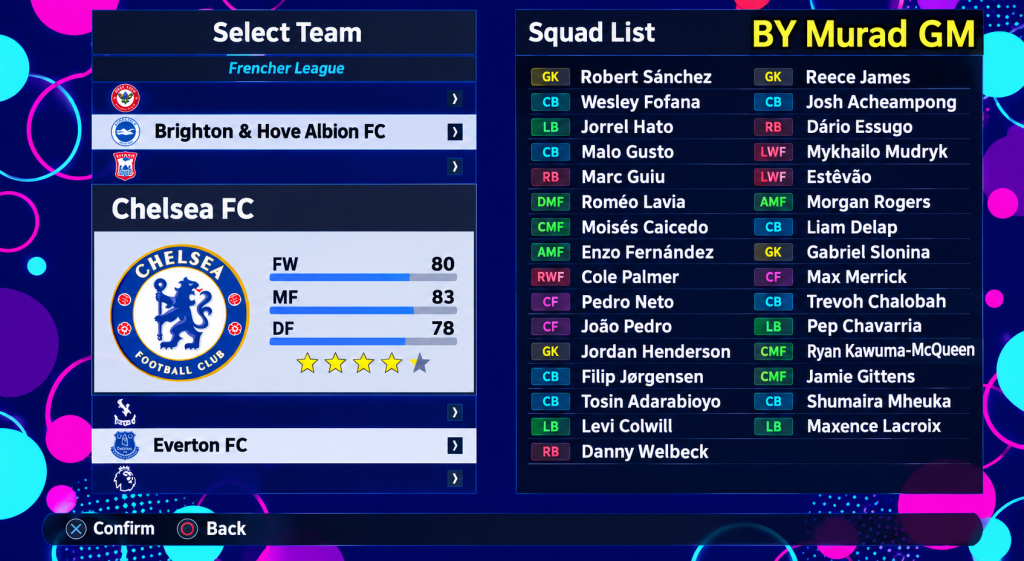
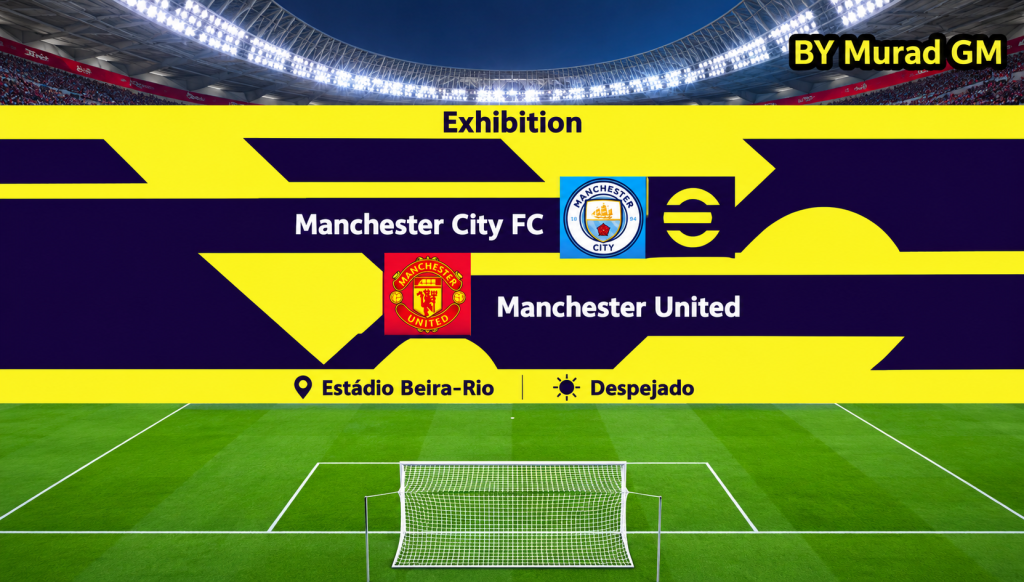
PES 2017 Patch 2027 System Requirements
The beautiful thing about a 2016 engine: it runs on almost anything.
| Component | Minimum | Recommended |
|---|---|---|
| OS | Windows 7 64-bit | Windows 10/11 64-bit |
| CPU | Intel Core i3-530 | Intel Core i5 or better |
| RAM | 4 GB | 8 GB |
| GPU | NVIDIA GeForce GTX 460 | GTX 1050 / RX 560 or better |
| Storage | ~40 GB (game + patch) | SSD for faster loading |
Yes, it runs on Windows 11 — but there’s one catch you must know about (more in the troubleshooting section below).
How to Install a PES 2017 2027 Patch: Step by Step
Most “guides” online assume you already know what a CPK file is. You don’t need to. Here’s the whole process in plain language:
Step 1 — Back up before you touch anything. Copy your entire PES 2017 installation folder, and separately back up the EDIT00000000 file from Documents\KONAMI\Pro Evolution Soccer 2017\save. This file holds your Master League and Become a Legend saves. If anything goes wrong, this backup is the difference between a 10-minute fix and losing 6 seasons of progress.
Step 2 — Clean out old patches. If you’ve ever installed a different patch, remove its CPK files from the downloadfolder and delete any old Sider folders. Mixing two patches is the #1 cause of black kits and crashes.
Step 4 — Run the installer as administrator. Most modern patches are AIO (all-in-one) with a setup file. Right-click → Run as administrator → point it at your PES 2017 folder.
Step 5 — Regenerate the DpFileList. This sounds technical but takes 30 seconds: patches ship with a tool (usually DpFileList Generator) that tells the game which mod files to load, and in what order. Run it, tick the patch’s CPK files, drag them into the correct order (the patch’s readme will show it — usually its own files at the top, graphical mods after), and hit Generate.
Step 6 — First launch checklist. Start the game and check: kits loading in a kick-off match, faces on star players, commentary playing, and your old save loading from the backup. If all four pass, you’re done.
PES 2017 Patch 2027 Not Working? Common Problems and Fixes
These are the errors I hit during testing, and the exact fix for each:
| Problem | Likely Cause | Fix |
|---|---|---|
| White screen or crash on launch (Windows 10/11, RTX cards) | Missing DirectX 9–11 legacy files | Install the Microsoft DirectX End-User Runtime, then run the game as administrator |
| Black kits / invisible players | Conflicting old patch files | Clean the download folder, reinstall, regenerate DpFileList |
| Patch content not showing in game | DpFileList not regenerated | Re-run the generator with correct file order |
| Game crashes mid-match | Graphics settings too high for your GPU | Lower crowd quality and stadium effects first |
| Master League save corrupted | Skipped the backup step | Restore your EDIT00000000 backup — this is why Step 1 exists |
| Antivirus deleted patch files | False positive (common with mods) | Add an exclusion for the PES 2017 folder, re-extract |
The white screen issue deserves emphasis: I hit it on my Windows 11 test machine with an RTX card, and the DirectX runtime fix solved it in minutes. Don’t reinstall Windows. Don’t reinstall the game. Install the runtime first.
My Honest Experience Testing These Patches
I ran all four patches through the same gauntlet on two machines: a mid-range Windows 10 box and an older Windows 11 laptop with a modest GPU.
RZ Patch 26 v7 installed in 20 minutes and ran flawlessly on both. The squad accuracy impressed me — I spotted maybe two outdated loans in the entire Premier League. T99 v20 looked stunning, the eFootball menus genuinely modernise the game, but it stuttered on the older laptop until I dropped crowd quality. Next Season Patch was rock solid but felt visually dated next to the other two.
What annoyed me across all of them: commentary still uses the old lines, so new signings get mispronounced, and none of the big patches include the PSL. For local content, you’ll want our PES 2023 DStv Premiership PPSSPP guide or the Mzansi editions instead.
Frequently Asked Questions
Does the PES 2017 patch 2027 work on Windows 10 and Windows 11?
Yes, on both. On Windows 11 with a modern NVIDIA or AMD card you may get a white screen on launch — install the legacy DirectX runtime linked above and run the game as administrator.
Can I play PES 2017 online with the patch installed?
No official online mode — Konami shut down PES 2017’s servers years ago, and no patch brings them back. You can still play with friends using remote play tools like Parsec, which streams your game to a friend’s PC.
>>>> game here
Final Verdict
Nine years after release, PES 2017 with a 2027 season patch remains one of the best-value football gaming experiences you can get in 2026 — free updates, eFootball-grade visuals, and performance that laughs at low-end hardware. Grab RZ Patch 26 v7 if you want easy and light, T99 v20 if you want the full visual package, back up your saves, and install that DirectX runtime before you panic.
We’ll keep this guide updated as new patch versions drop. If you found it useful, check out our other tested guides — the eFootball 2026 Mzansi PES Edition for PPSSPP, the eFootball 26 Mobile Patch Premier League Legends Edition, and the eFootball 26 v5.2.1 UEFAUCL mobile update are the next reads you might want to take a look at.